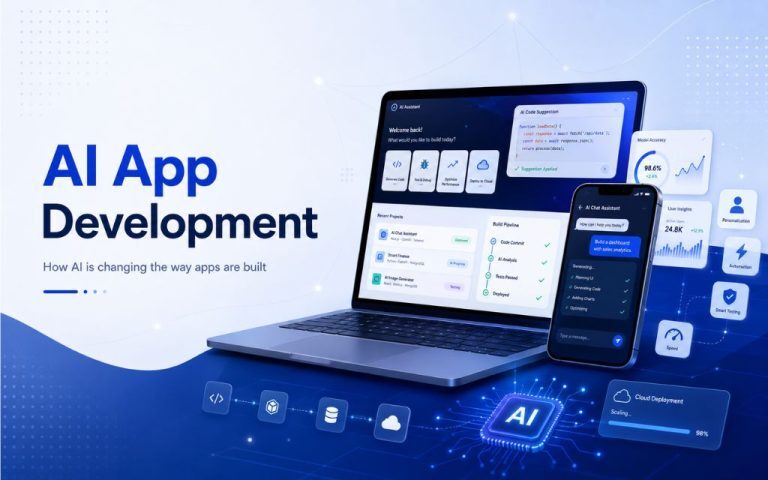





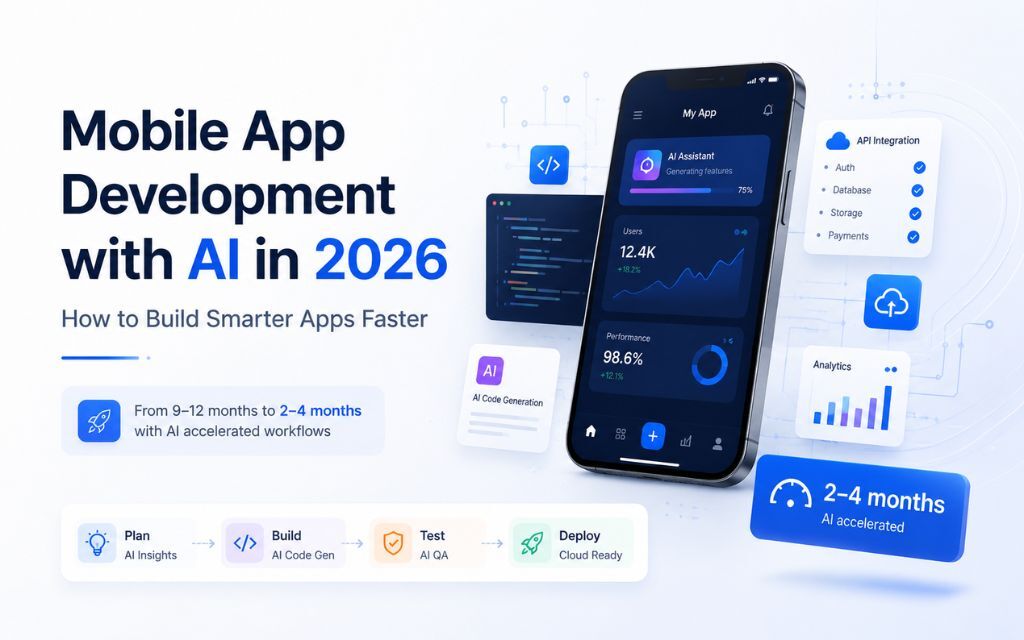
Building a mobile app used to mean 9 to 12 months of development, a six-figure budget, and a long wait before you could validate anything with real users. That math has changed. AI tooling embedded directly into the development process is cutting timelines to 2 to 4 months and costs by as much as 70 percent compared to traditional agency rates.
This article covers what that shift actually looks like in practice, which AI tools are doing the real work, and how to choose the right approach for your next mobile build.
Why Mobile App Development Has Changed in 2026
The change is not cosmetic. AI is not just generating boilerplate or writing comments — it is operating at every layer of the software development lifecycle: planning features, writing and reviewing code, generating test cases, flagging bugs before QA even runs, and accelerating deployment pipelines.
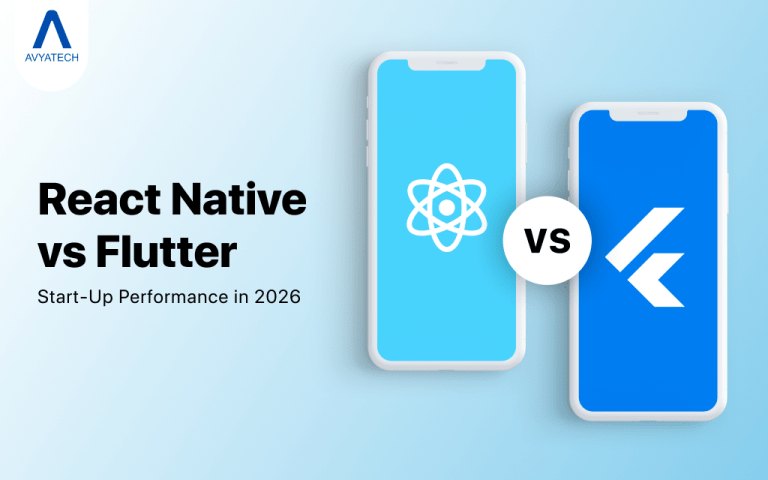
A well-staffed team using tools like GitHub Copilot, Cursor, and Amazon Q can produce production-ready code significantly faster than one relying on manual development alone. For mobile specifically, this matters because cross-platform frameworks like React Native and Flutter already reduce duplication between iOS and Android. Pair that with AI-assisted coding and the compounding effect on speed is real.
For founders and product teams, the practical impact is straightforward: you can ship a working app and start collecting user data before your runway forces a decision.
The AI Tools Actually Doing the Work
Vague claims about “AI-powered development” should raise a flag. Here is what genuine AI integration actually looks like in a mobile development workflow in 2026.
AI-Assisted Coding
GitHub Copilot and Cursor handle the bulk of code generation and autocomplete. Cursor in particular is built around AI-first editing — developers describe what they want in natural language and get working code back. Tabnine adds context-aware suggestions that learn from your existing codebase. Amazon Q handles AWS-connected logic, which matters when your mobile app is backed by cloud infrastructure.
These tools do not replace engineers. They remove the repetitive, time-consuming parts of writing code so engineers can focus on architecture and product decisions.
No-Code and Rapid Prototyping
For early-stage builds or MVP validation, platforms like v0.app, Lovable.dev, and Builder.io let teams generate functional UI components and complete screens without writing every line by hand. A property listing app or a discussion forum can go from concept to working prototype in hours rather than weeks.
This is especially valuable for non-technical founders who need to demonstrate a product to investors or early users before committing to a full build.
AI in QA and Testing
Manual testing is one of the biggest time sinks in mobile development. AI-supported QA, backed by tools like BrowserStack, automates test case generation, cross-device compatibility checks, and regression testing. Bugs surface earlier, fixes ship faster, and there are fewer post-launch surprises.
Generative AI for UI and Assets
Design is no longer a bottleneck. Tools like DALL-E 3, MidJourney, and Leonardo AI generate product mockups, brand assets, and marketing visuals in a fraction of the time traditional design sprints require. For mobile apps where first impressions in the App Store or Google Play matter, that is a real advantage.
Choosing the Right Mobile Development Approach
The decision usually comes down to three variables: your timeline, your budget, and how much technical complexity your app requires.
Native vs. Cross-Platform
Native iOS (Swift) and Android (Kotlin) development gives you the best performance and access to platform-specific features. The tradeoff is cost and time — you are effectively building two apps.
Cross-platform frameworks like React Native and Flutter let you share a large portion of the codebase across both platforms. For most startups and mid-market products, the performance difference is negligible and the cost savings are significant. Flutter in particular has matured considerably and is now a strong default for new builds.
MVP First, Then Scale
If you are at the seed or Series A stage, building a full-featured app on day one is almost always the wrong call. Start with the core user journey. Validate it. Then invest in additional features based on what real users actually do.
AI-accelerated development makes this easier because the cost of iteration drops. You can ship a focused MVP in 6 to 8 weeks, gather data, and build the next version with confidence rather than guessing.
Build vs. Buy vs. Partner
Some functionality does not need to be built from scratch. Payment processing, authentication, push notifications, and analytics all have mature third-party solutions. The real build decisions should focus on what makes your app different.
For everything else, a partner with full-stack capability covering mobile, cloud, DevOps, and AI under one roof removes the coordination overhead that slows down lean teams.
What the Development Process Looks Like End-to-End
A well-run AI-accelerated mobile engagement follows a structured lifecycle. Here is how it typically breaks down.
Discovery and planning: AI tools assist with requirement analysis, user story generation, and architecture decisions. This phase should take days, not weeks.
UI/UX design: AI-generated mockups and component libraries accelerate the design process. Designers focus on user experience decisions rather than producing assets manually.
Development: AI coding assistants handle repetitive implementation work. Engineers focus on logic, integrations, and performance.
QA and testing: Automated test generation and cross-device testing run in parallel with development, not after it.
Deployment: CI/CD pipelines on AWS or similar cloud infrastructure automate the release process. Updates ship faster and with less risk.
This is the model AvyaTech uses across its mobile engagements. The documented outcome is a 2-to-4 month delivery window versus the traditional 6 to 12 months, with cost reductions of up to 70 percent compared to conventional agency pricing.
What to Look for in a Mobile App Development Partner
If you are evaluating agencies, these are the questions worth asking.
Do they name specific AI tools? Generic “AI-powered” claims without named tools are a red flag. A team genuinely using Cursor, GitHub Copilot, and v0.app in daily production can describe exactly how those tools affect your timeline and budget.
Do they cover the full lifecycle? Staff augmentation works well if you have an internal engineering team to manage. If you do not, you need a partner who owns discovery, design, build, QA, and deployment. Coordinating multiple vendors adds risk and time.
Can they show comparable work? Case studies matter. Look for projects similar in complexity to yours — real estate apps, e-commerce platforms, IoT integrations, and AI-enabled customer service tools all have different technical requirements.
Do they offer a fixed-price option? For startups with defined scope, a fixed-price engagement removes budget risk. Time and Material works better when requirements will evolve. A good partner offers both.
What are their certifications? AWS Certified, Laravel Certified, and Adobe Commerce Certified credentials are verifiable signals of technical competence. They are not everything, but they matter when you are putting production infrastructure in someone else’s hands.
Common Mistakes That Slow Down Mobile Builds
Even with strong AI tooling, teams make decisions that add months to a project.
Over-scoping the MVP. Every feature you add to version one delays launch. Be ruthless about what belongs in the first release.
Ignoring backend architecture early. Mobile apps are only as fast as their APIs. Designing the backend in week one — not week six — prevents expensive rewrites later.
Skipping QA until the end. Testing in parallel with development catches bugs when they are cheap to fix. Testing at the end catches them when they are not.
Choosing a framework for the wrong reasons. React Native and Flutter are both strong choices. Pick based on your team’s existing skills and your app’s specific requirements, not hype.
FAQs
With AI-accelerated development, a focused MVP typically takes 6 to 10 weeks. A full-featured app with complex integrations runs 2 to 4 months. Traditional agencies without AI tooling often quote 6 to 12 months for comparable scope.
Cost depends heavily on scope, platform choice, and the partner you work with. AI-accelerated agencies can deliver comparable output for around $30,000 where a traditional agency might quote $100,000 or more. Pricing varies by engagement model and project complexity.
For most startups, a cross-platform framework like Flutter or React Native is the right starting point. You get coverage on both platforms without paying for two separate codebases. Native development makes sense when you need deep platform-specific functionality or maximum performance.
An MVP (minimum viable product) is the smallest version of your app that delivers real value to users and lets you collect meaningful feedback. Shipping an MVP first reduces financial risk and ensures you are building features people actually want before investing in scale.
Tools like GitHub Copilot and Cursor reduce human error in repetitive code patterns, flag potential issues during code generation, and enable faster iteration. AI-led code reviews catch problems earlier, which means cleaner code and fewer bugs reaching production.
Fixed Price works best when scope is well-defined upfront — you agree on deliverables and a total cost before work begins. Time and Material suits projects where requirements will evolve. A Dedicated Team model gives you a committed team that scales with your needs over time.
Ask them to name the specific tools they use and explain how those tools affect your timeline and cost. A team actively using Cursor, GitHub Copilot, v0.app, and BrowserStack can give concrete answers. Vague references to “AI-powered processes” without specifics usually mean the integration is surface-level.
The window for shipping a competitive mobile app has compressed significantly. Teams that know how to use AI tooling at every stage of the build are shipping in months, not years, at costs that were not realistic even two years ago.
If you want to see what that looks like applied to your specific product, talk to the team at AvyaTech.